Building status pages that actually convert
Status pages are not just incident comms. They are trust infrastructure. Here is how Garmingo Status helps you publish pages customers read, and incidents that reduce support load.
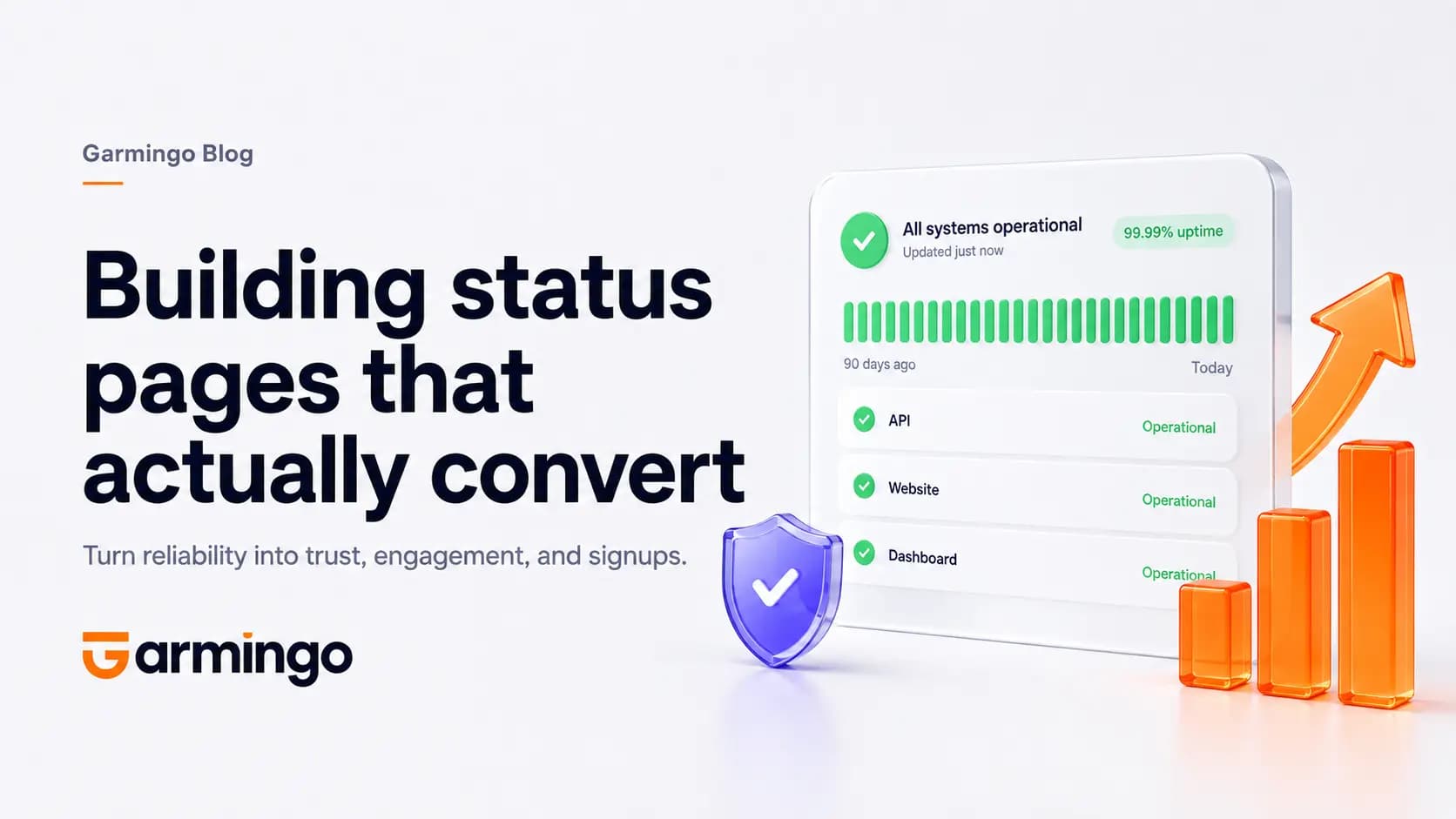
A status page is often the first place customers look when something feels slow. That moment defines whether they trust you or churn quietly.
Most teams treat status pages as a checkbox: spin one up during an outage, paste a generic message, forget about it until the next incident. That works until it does not. When your product is down, the status page is the product experience for everyone who cannot log in.
At Garmingo we think about status pages as trust infrastructure: a public surface that turns monitoring data into language humans understand. Garmingo Status is built around that idea from detect to publish.
The read order that matters
During an incident, visitors do not want a marketing hero section. They need three things immediately:
- What is affected
- What you are doing about it
- When you last updated
Everything else is noise. Garmingo Status optimizes for that read order on every public page. Component health at the top. Active incidents next. Timestamps you can trust.
If a customer cannot answer those three questions in ten seconds, the page failed, even if it looks beautiful.
A status page they will actually read
The best status pages feel like yours, not like a vendor template. In Garmingo Status you get:
- Current status: per-component health at a glance, without ticket jargon or internal codenames your customers never learned.
- Active incidents: human-readable updates your customers actually trust. Short sentences. Plain language. No "we are investigating elevated error rates" when you mean "login is broken."
- History: past incidents and maintenance windows for full transparency. Trust is cumulative. A clean history page says you document problems instead of hiding them.
Custom domain, your branding, your tone. Public or private, built for audiences who actually read them. Custom CSS is available from Standard tier. Remove Garmingo branding on Enterprise when the page should feel entirely native to your product.
Explore the layout on the Status product page.
Subscribers matter as much as visitors
A public page helps strangers. Subscribers help the people who depend on you every day: customer success, integration partners, power users, and internal teams.
Garmingo Status defaults to component-level subscriptions so teams only hear about what they depend on. That reduces alert fatigue and makes every notification feel actionable instead of noisy.
When something changes, subscribers should get the same clarity as the public page: what broke, what you are doing, and when you last posted an update. Email and webhooks both work. So do the 15+ integrations (Slack, Teams, Discord, OpsGenie, and the rest) when you need alerts inside the tools your team already lives in.
The goal is not more pings. The goal is the right ping to the right human, fast.
Planned work should not look like an outage
Maintenance windows are where many status pages lose credibility. Customers see red, assume the worst, and open tickets you did not need.
In Garmingo Status you create one-time or recurring maintenance windows, attach the monitors affected, and show them on your status page so customers know downtime is planned, not an outage. Customer success teams use this constantly: fewer "is it down?" calls, shorter conversations, more trust.
That loop is the middle step in how we think about ops: Detect. Communicate. Comply. Monitoring catches the problem. The status page and integrations communicate it. Compliance reports prove you tracked it.
Public by default, private when needed
Most teams need a public status page customers can bookmark. Enterprise teams sometimes need a private status hub for internal systems, vendor dependencies, or platform teams that should not broadcast to the internet.
Same product, different audience. Garmingo Status supports both without forcing you into a separate tool or a second billing relationship.
Connected to real monitoring
A status page only converts trust if the data behind it is accurate. Pretty copy on top of stale checks is worse than no page at all.
Garmingo Status ships nine check types: HTTP(s), ICMP ping, TCP, UDP, heartbeat (cron), manual, SSL certificate, SMTP, and DNS. Checks can run from global regions so you see availability where your users are. Intervals scale down to 20 seconds when you need to catch outages in seconds, not minutes.
Your uptime data is stored in Germany, within the EU, with no replication outside Europe. Monitored worldwide, saved only in Europe. For regulated teams, that matters as much as the wording on the page.
When an incident opens in the dashboard, the status page updates from the same source of truth. No copy-paste lag. No "we will update the page later" ritual.
Status pages that reduce support load
Customer success teams feel the payoff first. A clear public page answers the question before the ticket arrives. A good incident update gives CS a link to send instead of a paragraph to improvise. History builds confidence that you are transparent over time, not only when things are green.
Compliance and legal teams get a different win: compliance targets, scheduled reports, and SLA tracking against the same incident data your customers see. Less spreadsheet archaeology when someone asks for proof.
Start with a real page, not a placeholder
You do not need a perfect incident template on day one. You need a page live before you need it.
Garmingo Status includes a free forever tier with real monitors and a status page. No credit card. Upgrade inside the app when you outgrow the limits.
- Status product page: monitoring, pages, pricing, and FAQ
- Status docs: setup, maintenance windows, and API
- Start free: publish a page in minutes
Status pages are not just incident comms. They are the moment your customers decide whether you are in control. Build one they will actually read.